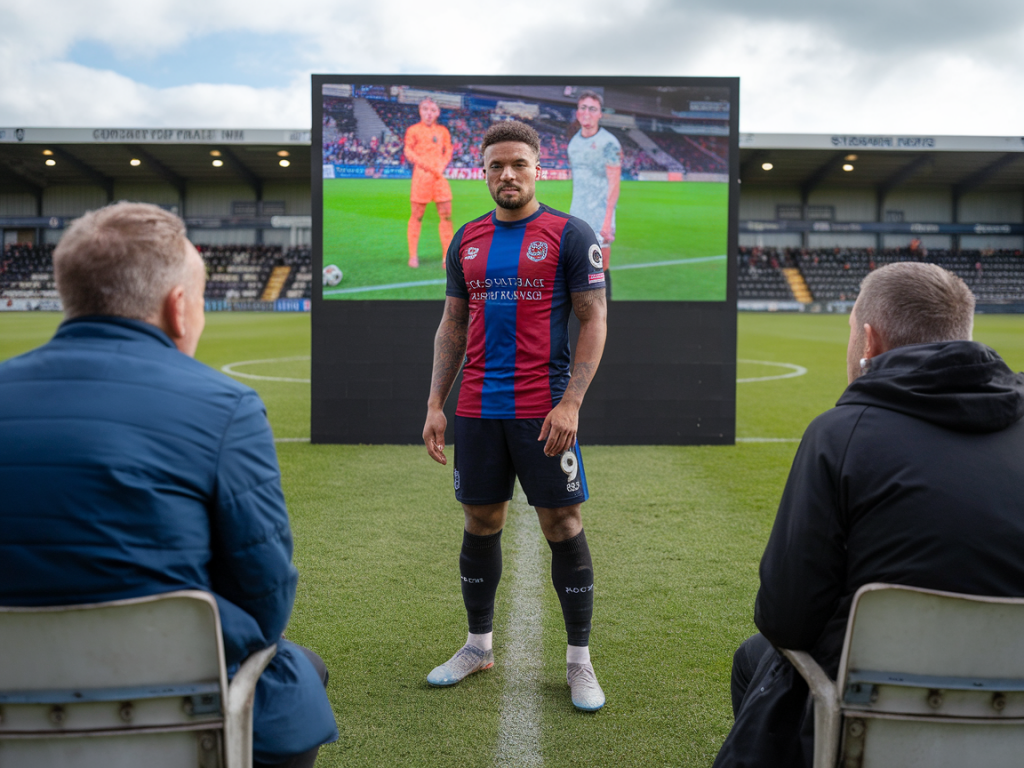
When I scout non-league football—or when a coach I work with asks how to get a player noticed—my first question is usually the same: do you have video? In an era where clubs at all levels rely on footage to triage talent, a well-constructed, video-led player profile can be the difference between being unknown and getting a trial. I've built and reviewed dozens of profiles for players moving from grassroots into professional setups. Below I outline a practical, experience-based workflow for creating video-led profiles that attract scouts, coaches and recruitment analysts.
Why video-first?
Video answers more questions, faster, than raw stats or a glowing reference. Scouts want to see movement, decision-making, intensity, tactical fit and physical traits in context. A written summary might tell them a winger is "skillful and direct"; video shows whether that skill translates under pressure, how often the player beats their marker, and how they contribute defensively. From my own work on the training ground, I know coaches are far more willing to invest time in a player once they've seen one clear, relevant clip that fits their team style.
What belongs in a video-led profile
Think of the profile as a scouting dossier with video at its core. Each profile I assemble contains several components—some short, some deeper:
Highlight reel (90–180 seconds): The opening piece. High-impact actions—goals, assists, progressive carries, defensive recoveries—set attention.Position-specific clips (total 3–6 minutes): Role-focused sequences showing typical actions: a full-back’s overlaps, a central midfielder’s progressive passing, a striker’s link-up play.Full match footage (90–120 minutes) or condensed 15–30 minute footage: For deeper evaluation. Scouts will ask for full matches if they like what they see.Training footage (30–90 seconds per drill): Shows technique, work rate and coachability—especially valuable for younger players.Contextual data and one-page summary: Key metrics (minutes, position, heatmap if available), player specs (age, height, preferred foot), and one-paragraph personality note.Practical filming tips
I keep things simple and repeatable—most non-league environments won’t have broadcast cameras. Use what you have and prioritise clarity.
Camera: A mid-range smartphone (iPhone, Pixel, Samsung) or a cheap action camera (GoPro) is fine. Shoot at 1080p/60fps when possible.Angles: Use a single elevated sideline angle for match sequences. If you can, add a second camera behind goal or higher on the opposite side for key attacking runs and set-pieces.Stability and tracking: Use a monopod or small tripod. For tracking the player, practice panning with smooth movements—jerky footage kills the viewing experience.Audio: Turn off wind noise or mute. Scouts don’t need crowd noise; they need clear visuals.Editing—the storyteller’s job
Editing is where you make the scout’s life easy. I use simple tools like iMovie, DaVinci Resolve (free), or CapCut. The aim is to present patterns, not a glorified highlights reel of only the player's best moments.
Start with identity: a title card with name, age, position, club, and contact info.Highlight reel rules: 90–180 seconds, no filler. Open with a signature moment, then show a sample of different traits rather than repeating the same action.Use timestamps: Place clear timestamps in the video description and map them to the one-page summary—“00:45 – progressive dribble; 01:12 – recovery tackle.”Keep full-match files uncut: Upload them as separate files for download or private links. Don’t splice them into the highlight package.What scouts want to see—by position
I often advise players to tailor profiles to roles, because scouts are short on time.
Striker: touches in the box, movement off the shoulder, hold-up play, link-up, aerial duels.Winger/Full-back: crossing from different positions, 1v1s, defensive positioning, recovery runs.Central midfielder: forward passing options, defensive screens, transition speed, body orientation when receiving.Center back: 1v1 defending, positioning on set-pieces, recovery speed, distribution under pressure.Use data smartly
You don’t need Opta to make data useful. Even simple KPIs add context:
Minutes played and per-90 metrics (goals, assists, progressive carries/pass attempts).Sprint count and top speed if you have GPS data (Garmin, Catapult, or even smartphone apps).Heatmap or touch map from Wyscout/Instat if available, otherwise create a simple visual in Excel or Google Sheets.| Clip type | Suggested length |
| Highlight reel | 90–180 seconds |
| Position-specific sequences | 3–6 minutes total |
| Full match | 90–120 minutes (separate) |
| Training snippets | 30–90 seconds per drill |
Hosting and sharing
Accessibility is everything. I prefer private links with download options.
YouTube (unlisted) — widely used, easy to embed, but be ready for compressed quality.Vimeo — better control of quality and privacy settings (good for sending to clubs).Google Drive / Dropbox — for full match downloads and original files.Player platforms — platforms like Fieldoo, Tonk or Playershub can supplement but don’t rely on them alone.Outreach: how to present the profile
When I reach out to a scout, I lead with value and brevity. Your email should be short, professional, and directly linked to the video.
Subject: “Player name — 21y CF — Highlight + Full Match (90min) — [Club]”Body template I use: “Hi [Name], I’m sharing a short profile for [Player Name], a [age] forward at [Club]. Attached is a 90s highlight and a full match link. Key traits: pace in behind, effective link-up, consistent pressing. 90 min vs [Opposition] (timestamp: 00:45 — goal; 03:20 — off-ball run). Contact: [phone]. Thanks for your time, Lucas Moreau.”Legal and ethical considerations
Always get consent. If the player is under 18, secure parental permission before sharing footage. Respect club agreements—some non-league clubs have contracts or trial conditions that limit sharing.
Common mistakes to avoid
From my experience, these errors kill interest faster than anything:
Over-editing: flashy transitions and music look amateurish. Keep it clean.Missing context: no timestamps, no match details, no role clarification.Only showing highlights: scouts need to see how a player copes when things go wrong.Poor video quality: unusable footage is a wasted opportunity.I’ve seen players go from regional obscurity to trials after a neat, honest video profile landed on the right desk. The work isn’t glamorous—filming, editing, writing a tight one-page summary—but it’s effective. Treat the profile as a coachable product: test it, ask for feedback from local coaches or scouts, and iterate. If you want, I can review a profile and give specific, practical feedback based on the footage and the player’s target level.